
Print the enclosure
Eight parts. Two print plates.
Bambu P1S · 0.4 mm nozzle
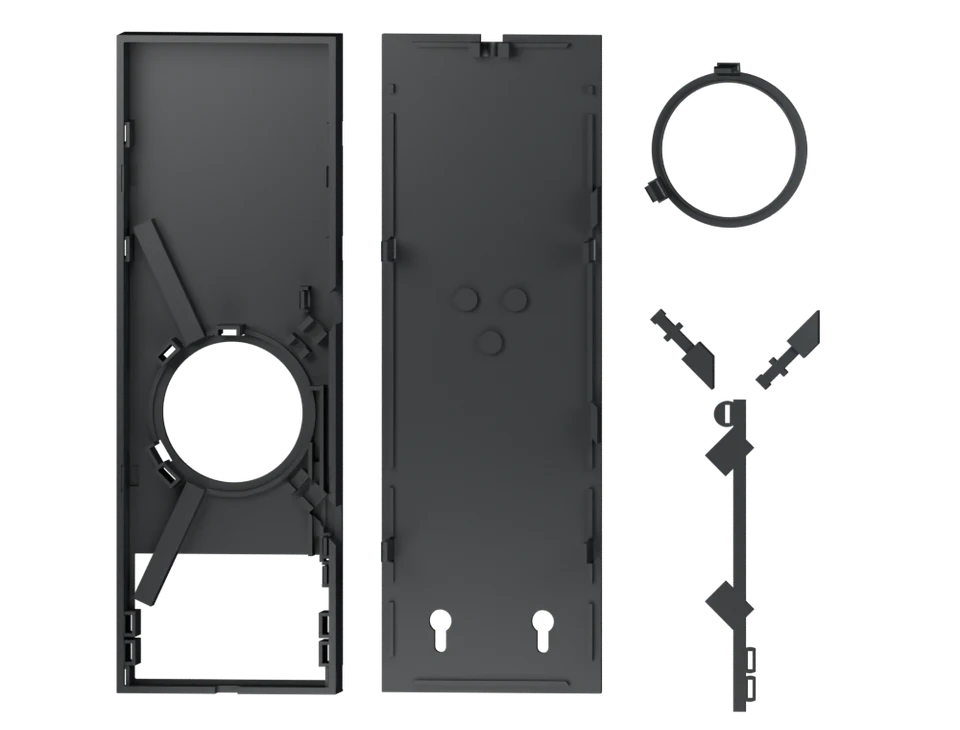
Black parts
Charcoal PLA · 6 parts
Open in Bambu Studio ↗Download 3MF →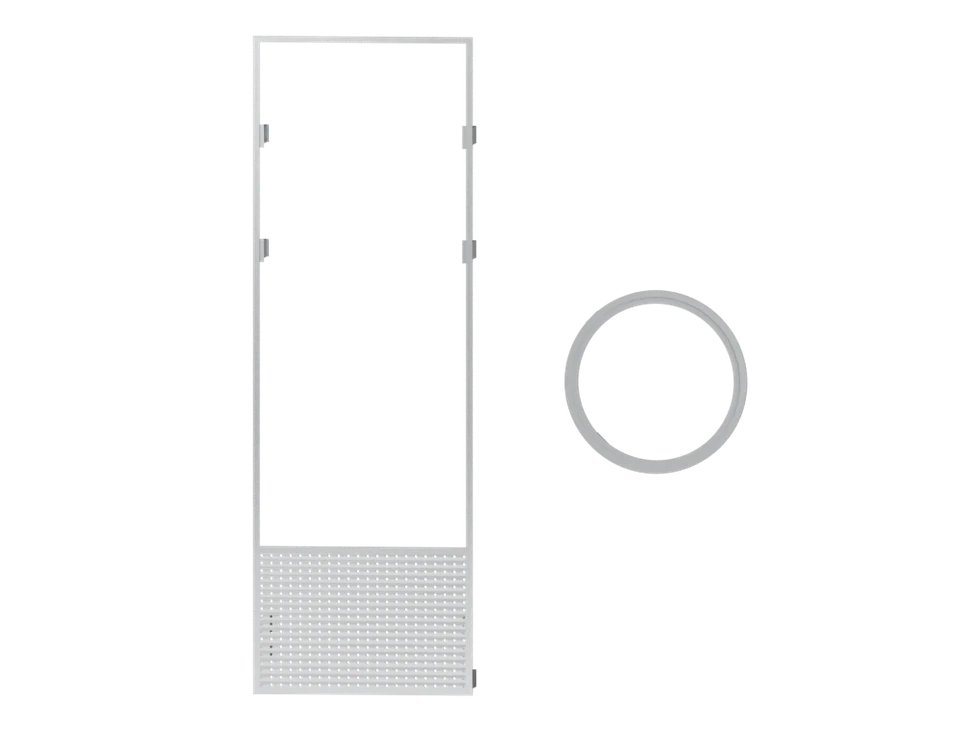
Silver parts
Silver ABS · 2 parts
Open in Bambu Studio ↗Download 3MF →01 / Print
Print plates
Choose a filament to see its plate layout and print settings.
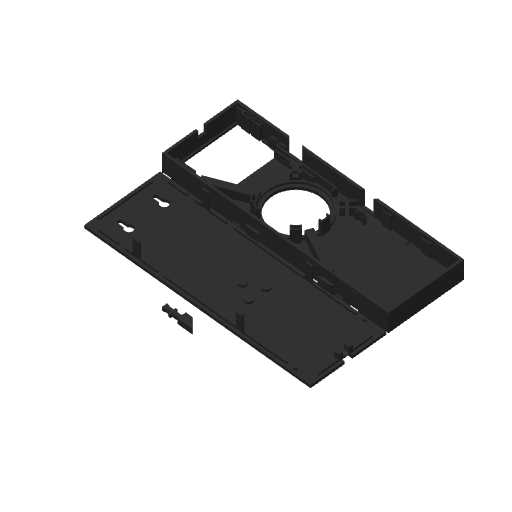
Loading plate data…
ONE FILAMENT PER PLATE
Black parts
0.20 mm layers · 4 walls · 20% gyroid. Tree supports and a 5 mm brim on Textured PEI. Slice in Bambu Studio before printing.
02 / Inspect
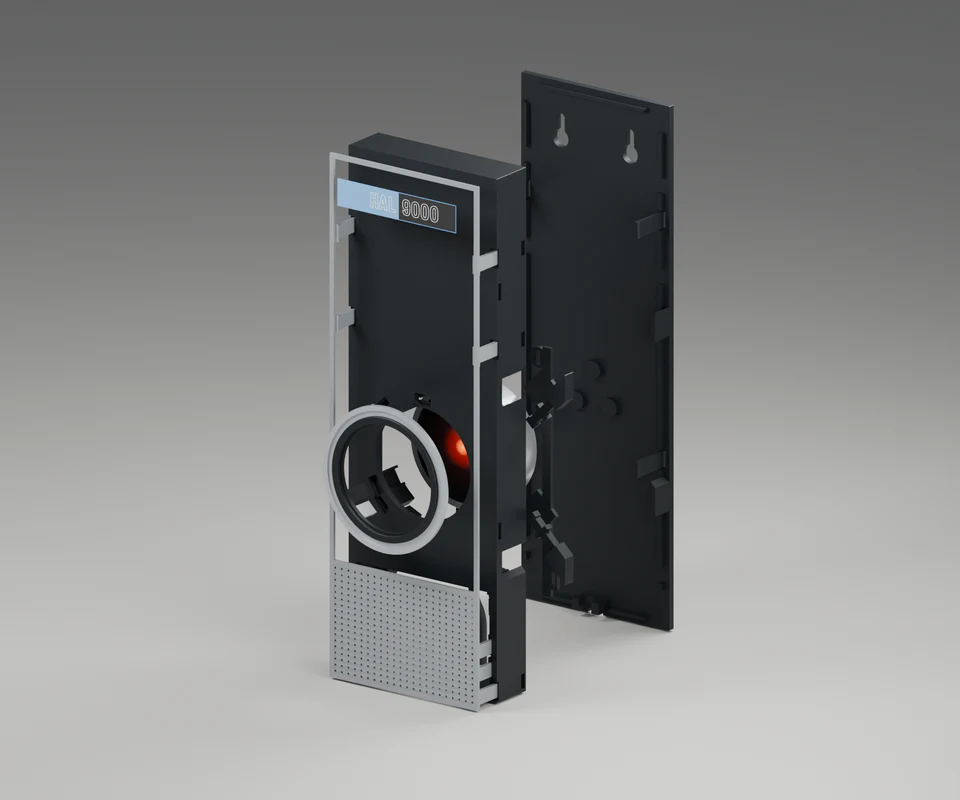
Front, rear
and side
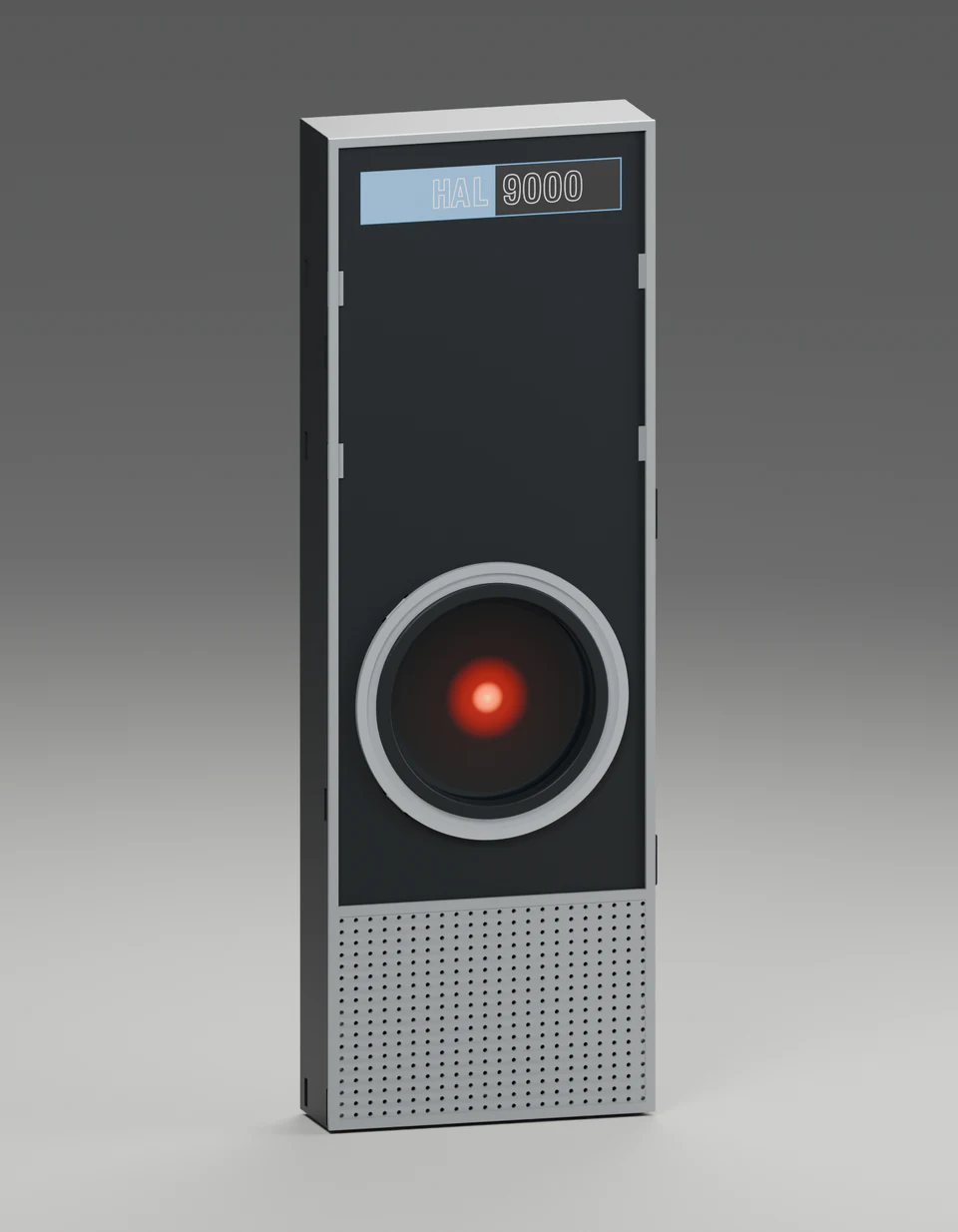
Rotate the enclosure, separate its pieces or select a part to see how it fits.
230 mm tall · 25.4 mm deep
More controls
Right-drag or two-finger drag to pan. On the focused model, arrow keys pan, Shift + arrows rotate, + / − zoom, and Home fits the view. Escape closes the expanded view.
Individual parts & STL downloads
Loading part manifest…
Loading 3D viewer…
03 / Assemble
Assemble the enclosure
Have the Waveshare display, a USB-C cable, a narrow cable tie and white decal paper ready.
Loading the assembly guide…
8 PRINTED PARTS / NO SCREWS
See the assembly in 3D.
Select a step to see where each part goes.
Download decal sheetSelect a part in the model to jump to its step.